UI Tour
A visual tour of the main screens.
UI Tour
Use this guide to understand the purpose of each screen before you run your first queue.
Search screen
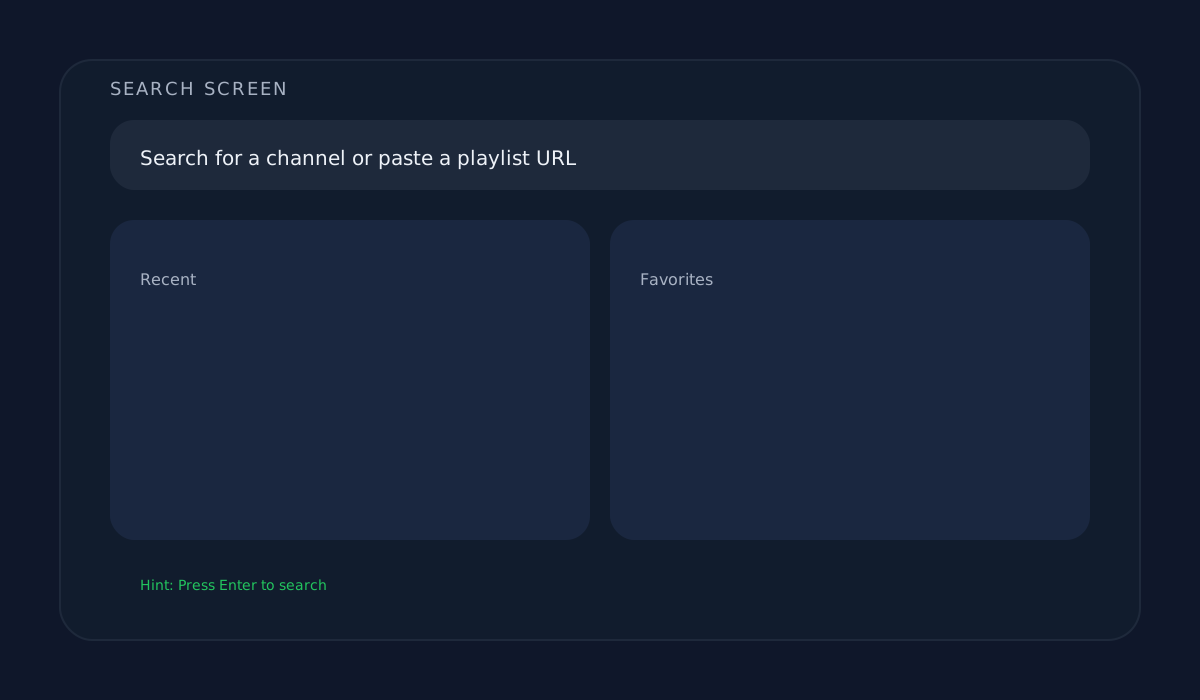
- Search for channels by name.
- Paste a playlist URL to skip search results.
- Use the history and favorites lists to resume previous targets.
Download options screen
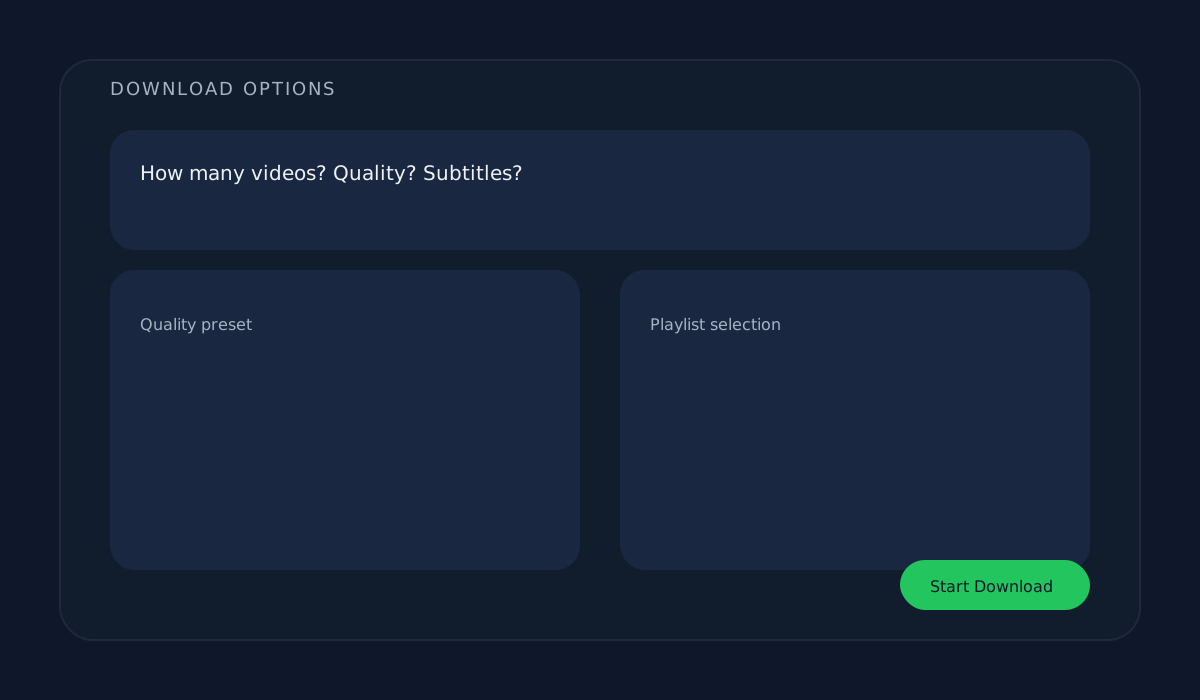
- Decide how many videos to download.
- Pick a quality preset or audio-only.
- Enable subtitles if you need them embedded.
- Optionally pick a playlist from the channel.
Download queue screen
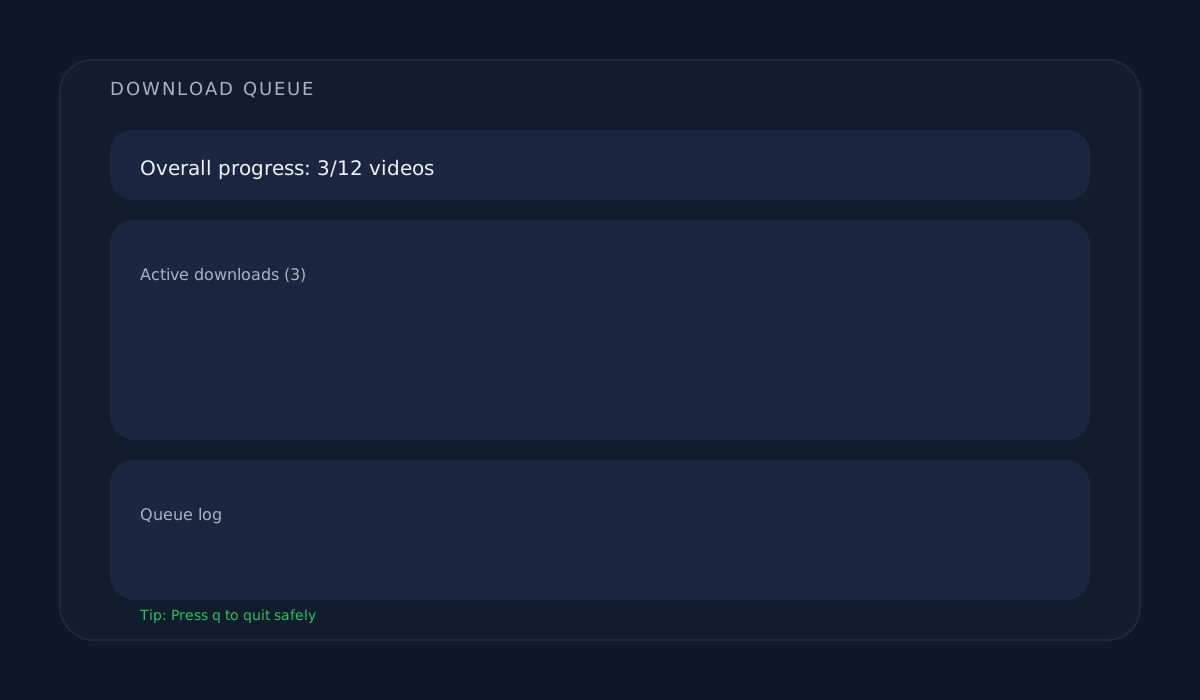
- Track overall queue progress.
- See per-video progress and status updates.
- Review the log for completed and skipped downloads.
Replace these placeholders
The SVGs above are placeholders so the page works immediately. Replace them with real screenshots when ready by saving your images in docs/public/screenshots/ using the same filenames.